How to Remove EXIF Data (Metadata) from a Photo

Every photo you take carries hidden EXIF metadata — the camera model, date and time, settings, and sometimes the exact GPS location where it was shot. Before sharing images publicly, it's smart to strip that data.
Remove EXIF data from a photo — free and online.
Open the EXIF removerWhy remove EXIF data?
- Privacy: GPS coordinates can reveal your home, workplace, or routine.
- Cleaner files: stripping metadata slightly reduces file size.
- Professionalism: remove camera and software tags before publishing.
How to remove EXIF data in 3 steps
- Open the tool. Go to the EXIF remover.
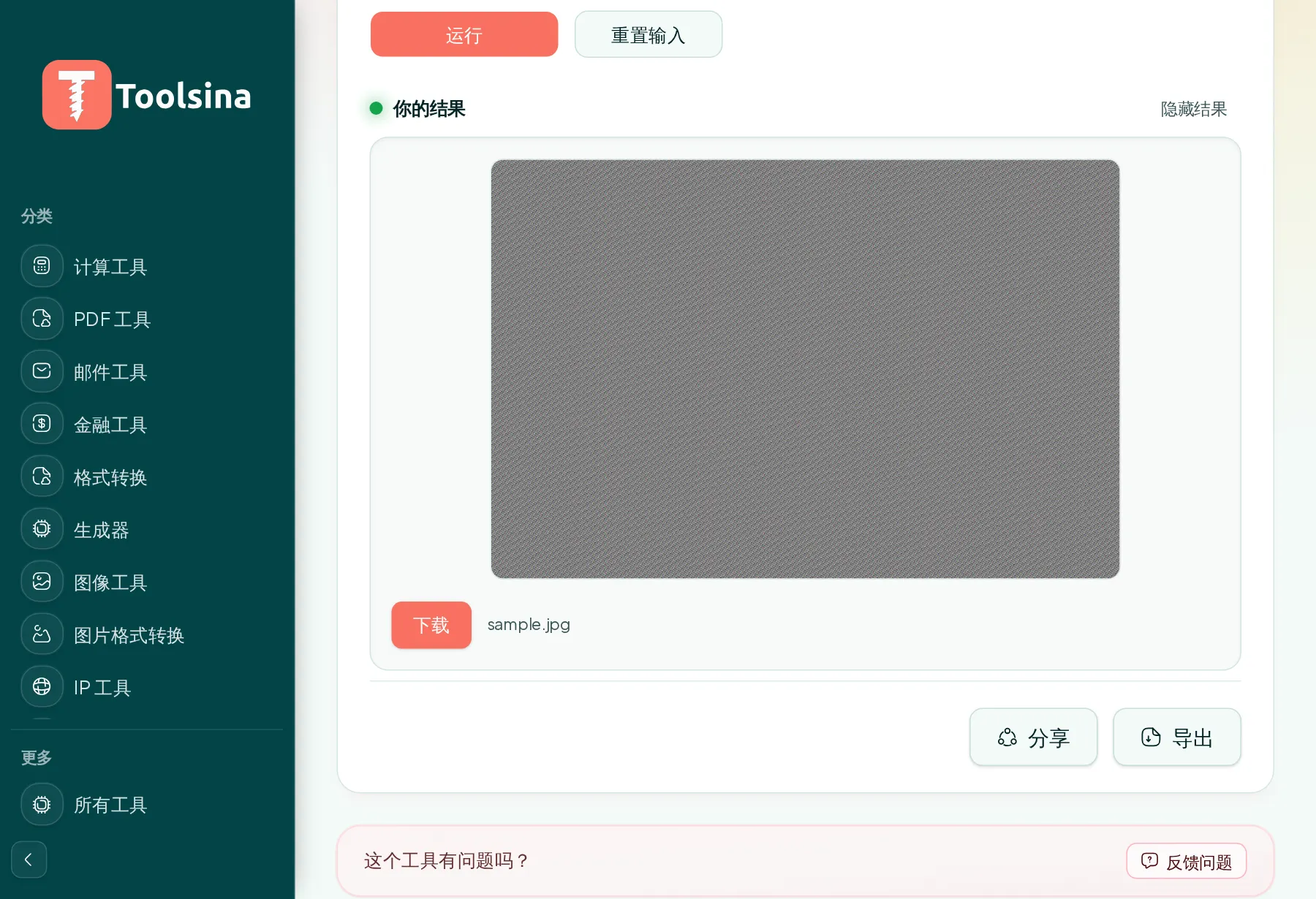
- Upload your photo. Drag and drop or click to choose it.
- Download the clean image with the metadata stripped out.
Tips
- Check before posting: some social networks strip EXIF, but don't rely on it.
- Keep an original if you need the metadata later (e.g. for a photo archive).
- Want to see what's inside first? Toolsina also has an EXIF viewer.
Frequently asked questions
Does removing EXIF change how the photo looks?
No — the image itself is unchanged; only the hidden metadata is removed.
Is it free and private?
Yes. It's free, and your photo is used only to strip its metadata.
Clean your photo's metadata now.
Remove EXIF dataSee it in action, step by step
1Open the tool and upload your file

2Check your file and adjust the options
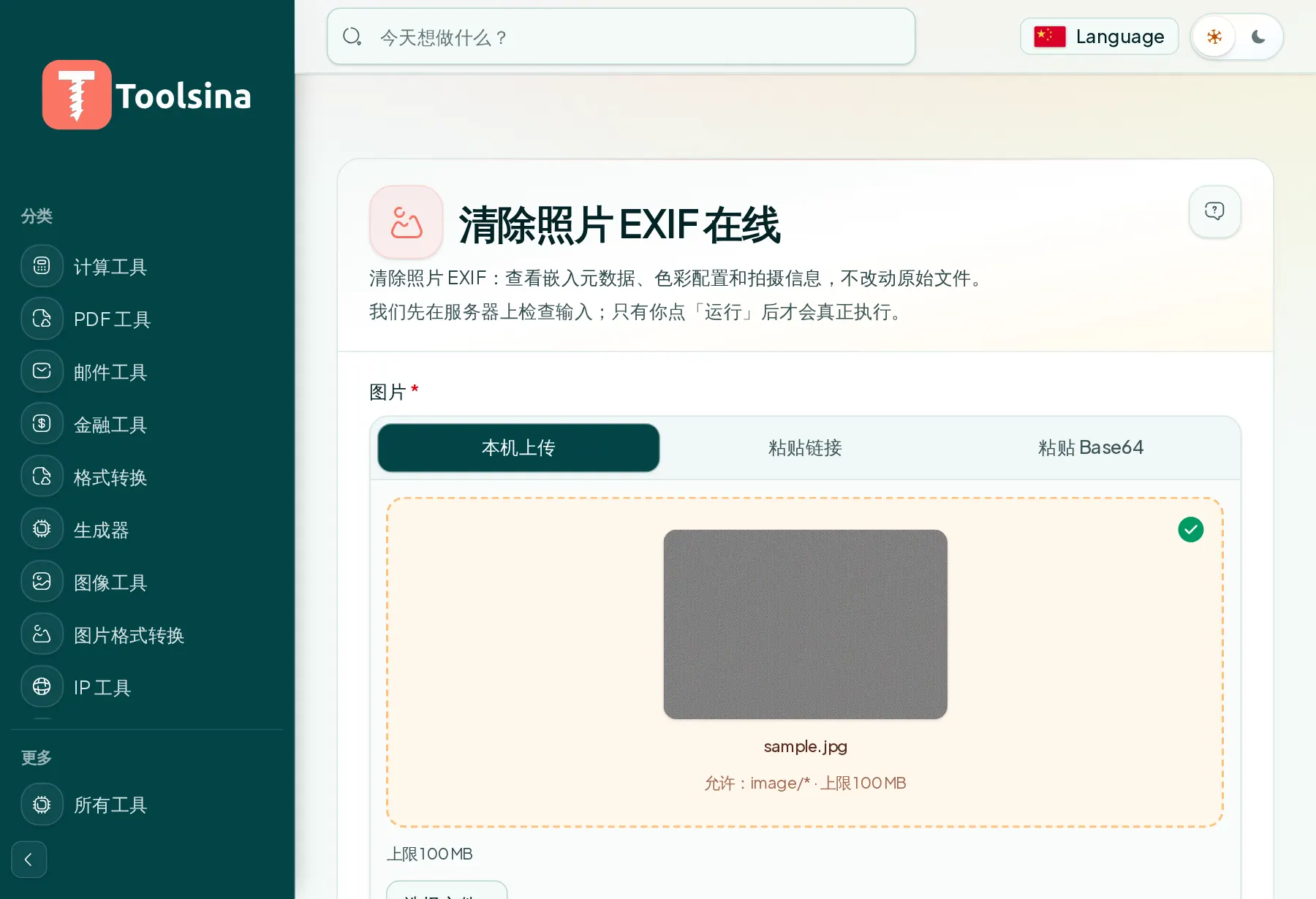
3Run it, then download your result