How to Compress a JPG Image (Free, Online)
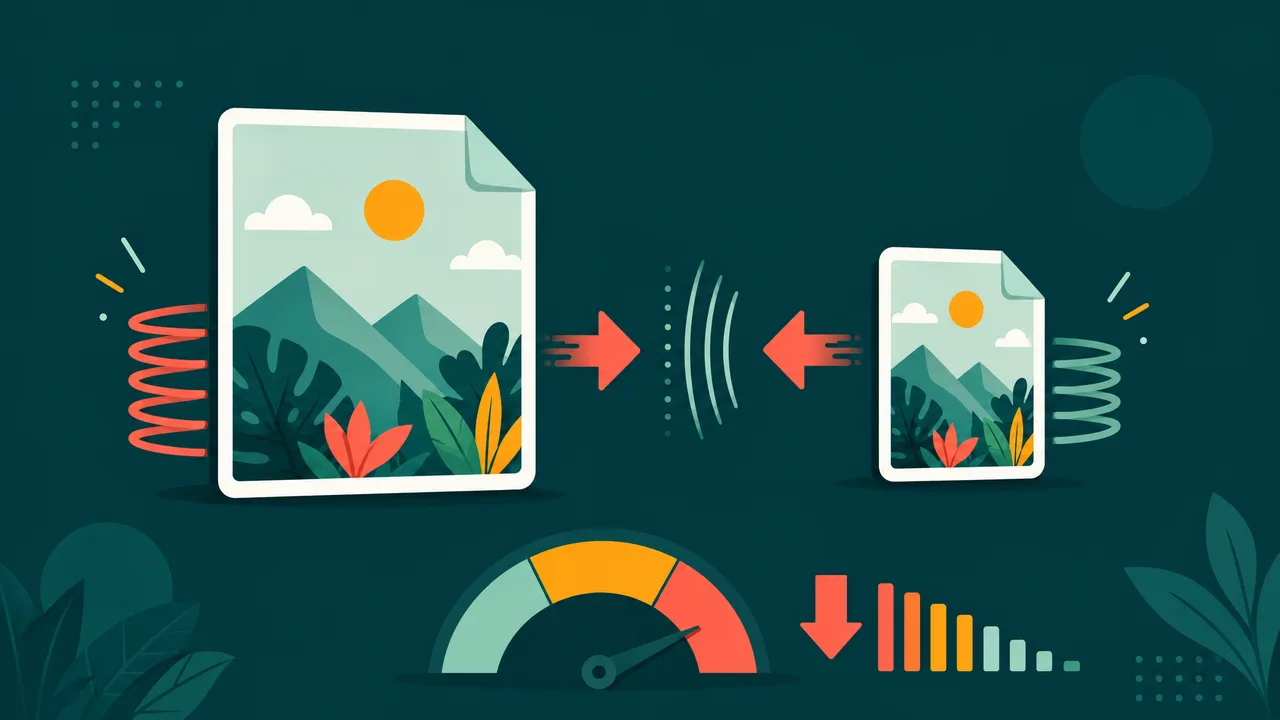
A large JPG can slow down your website, bump against email limits, or take ages to upload. Compressing a JPG reduces its file size while keeping it looking good.
Compress a JPG right now — free and online.
Open the JPG compressorWhy compress a JPG?
- Faster websites: smaller images load quicker and improve Core Web Vitals.
- Email & upload limits: stay under attachment and form size caps.
- Save storage & bandwidth: lighter files are cheaper to host and share.
How to compress a JPG in 3 steps
- Open the tool. Go to the JPG compressor.
- Upload your JPG. Drag and drop or click to choose your file.
- Download the smaller file. Adjust the quality if you like, then click download.
Tips
- Need an exact size? Use our compress image to target size tool to hit a precise KB limit.
- Start from the original for the best quality-to-size ratio.
- Consider WebP: converting to WebP often gives even smaller files.
Frequently asked questions
Will compressing reduce quality?
A little compression is usually invisible; you control the balance between size and quality.
Is it free and private?
Yes. It's free with no watermark, and your file is used only to compress it.
Shrink your JPG in one click.
Compress a JPG nowSee it in action, step by step
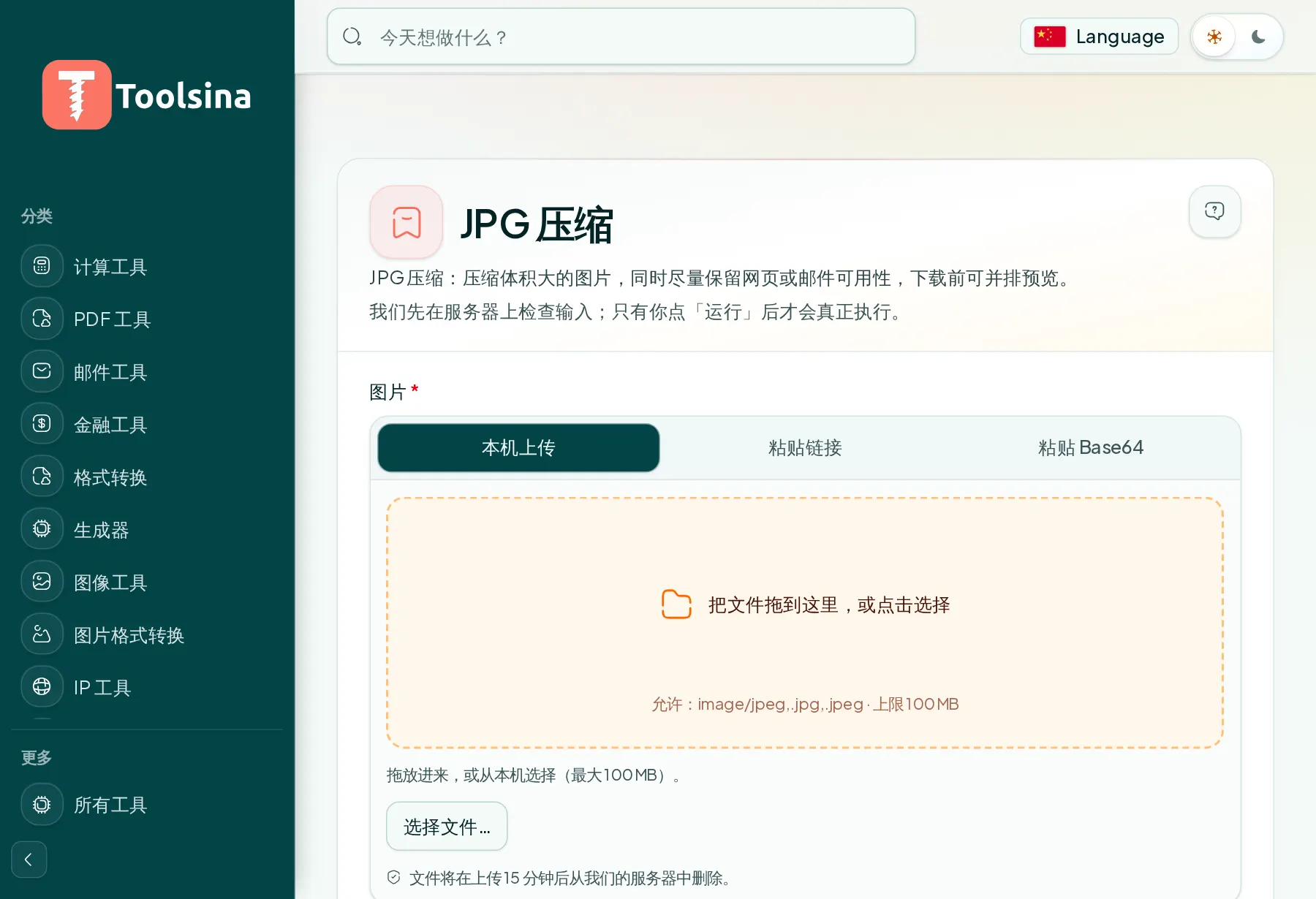
1Open the tool and upload your file
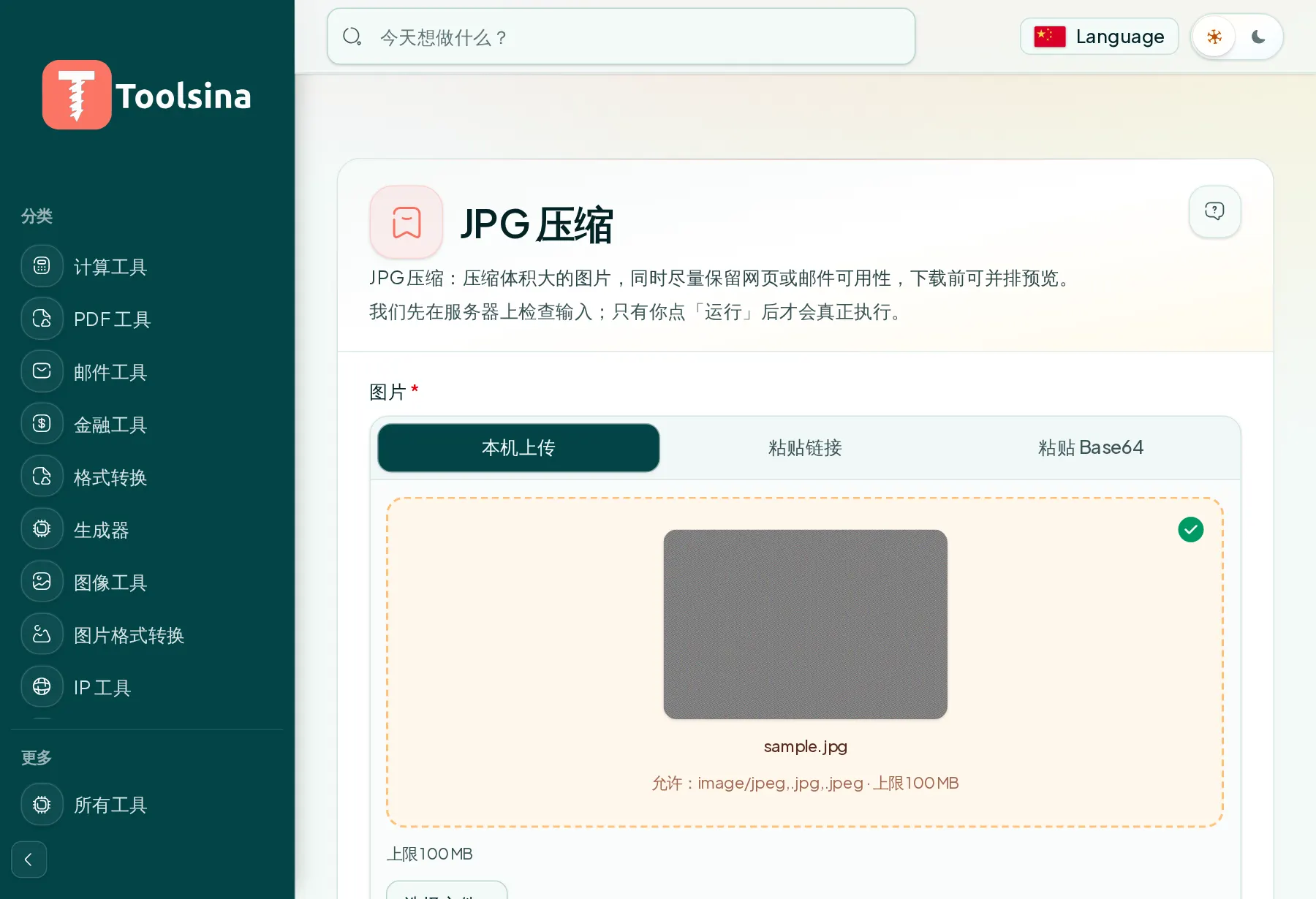
2Check your file and adjust the options
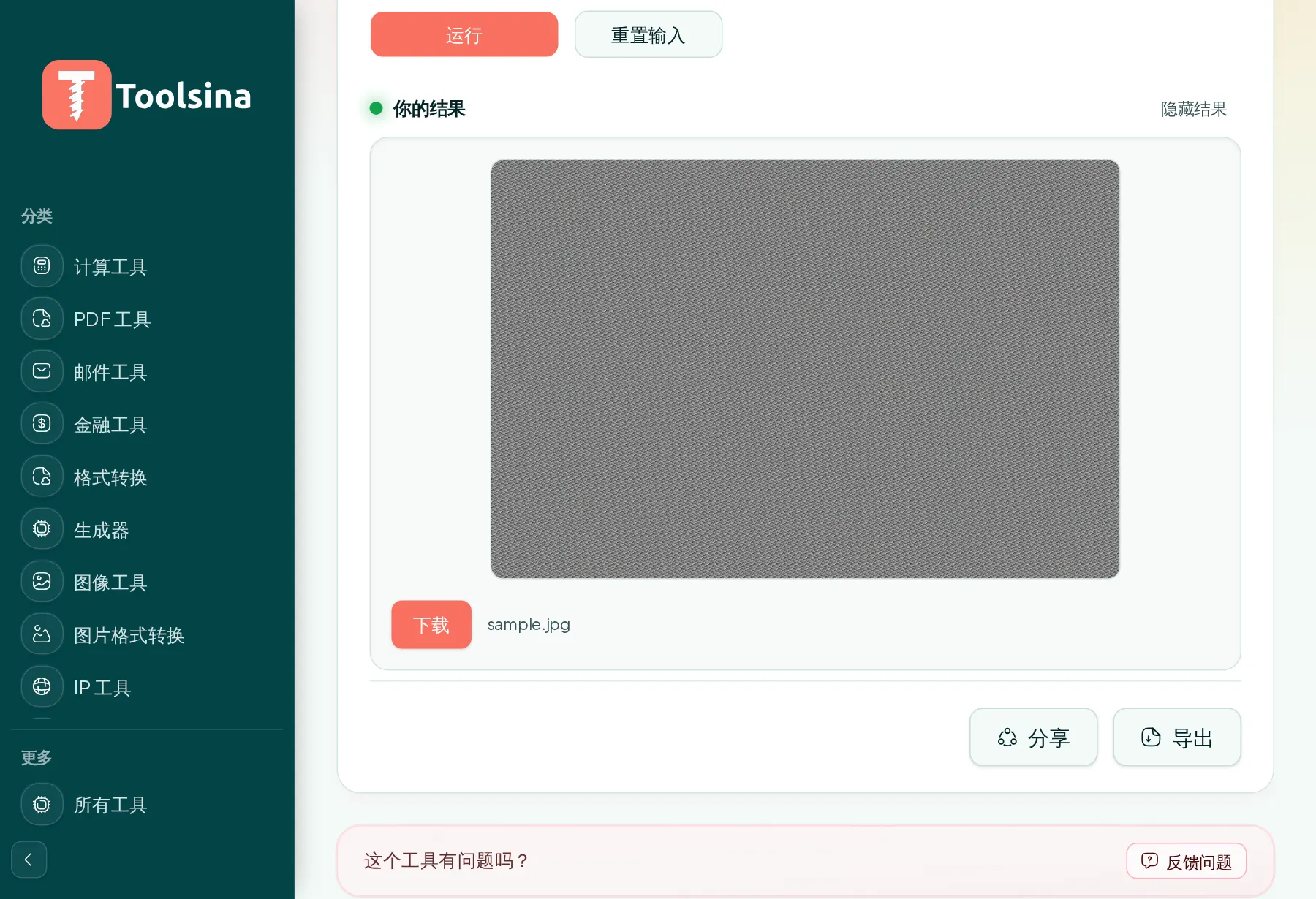
3Run it, then download your result