How to Compress an Image to a Target File Size (KB)
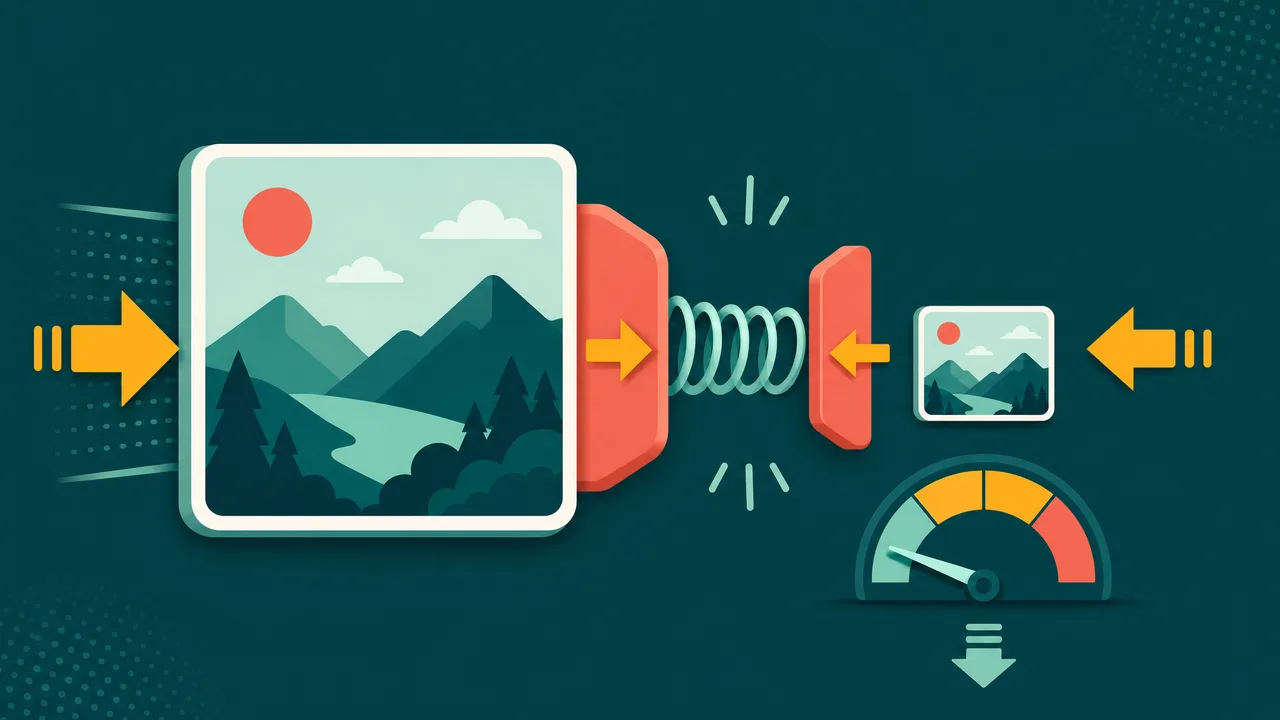
Sometimes a website, form, or job application demands an image under a specific size — like "photo must be under 200 KB". Guessing quality settings is frustrating. A target-size compressor does the math for you: it keeps lowering quality (and, if needed, the dimensions) until your image fits.
Squeeze any photo under an exact KB limit — free and online.
Open the compress-to-size toolWhy compress to a target size?
- Upload limits: government portals and job sites often cap photos at 100–500 KB.
- Email attachments: stay under mailbox limits without zipping.
- Faster pages: lighter images improve load time and SEO.
How to compress an image to a target size
- Open the tool. Go to compress image to target size.
- Upload your image (JPG, PNG, WebP, and more).
- Set the target size in KB and choose JPEG or WebP output.
- Download. The tool lowers quality — and downscales if needed — until the file is at or under your target.
JPEG or WebP?
JPEG is universally supported and great for photos. WebP is usually 25–35% smaller at the same quality and works in every modern browser. If the image is only for the web, WebP wins; if you need maximum compatibility, choose JPEG.
Tips
- Very small targets (under ~20 KB) can look soft — pick the smallest size that still looks acceptable.
- Start from the original image for the best quality-to-size ratio.
- Need a different format first? Convert with our PNG to JPG tool.
Hit your exact size limit in one click.
Compress an image nowSee it in action, step by step
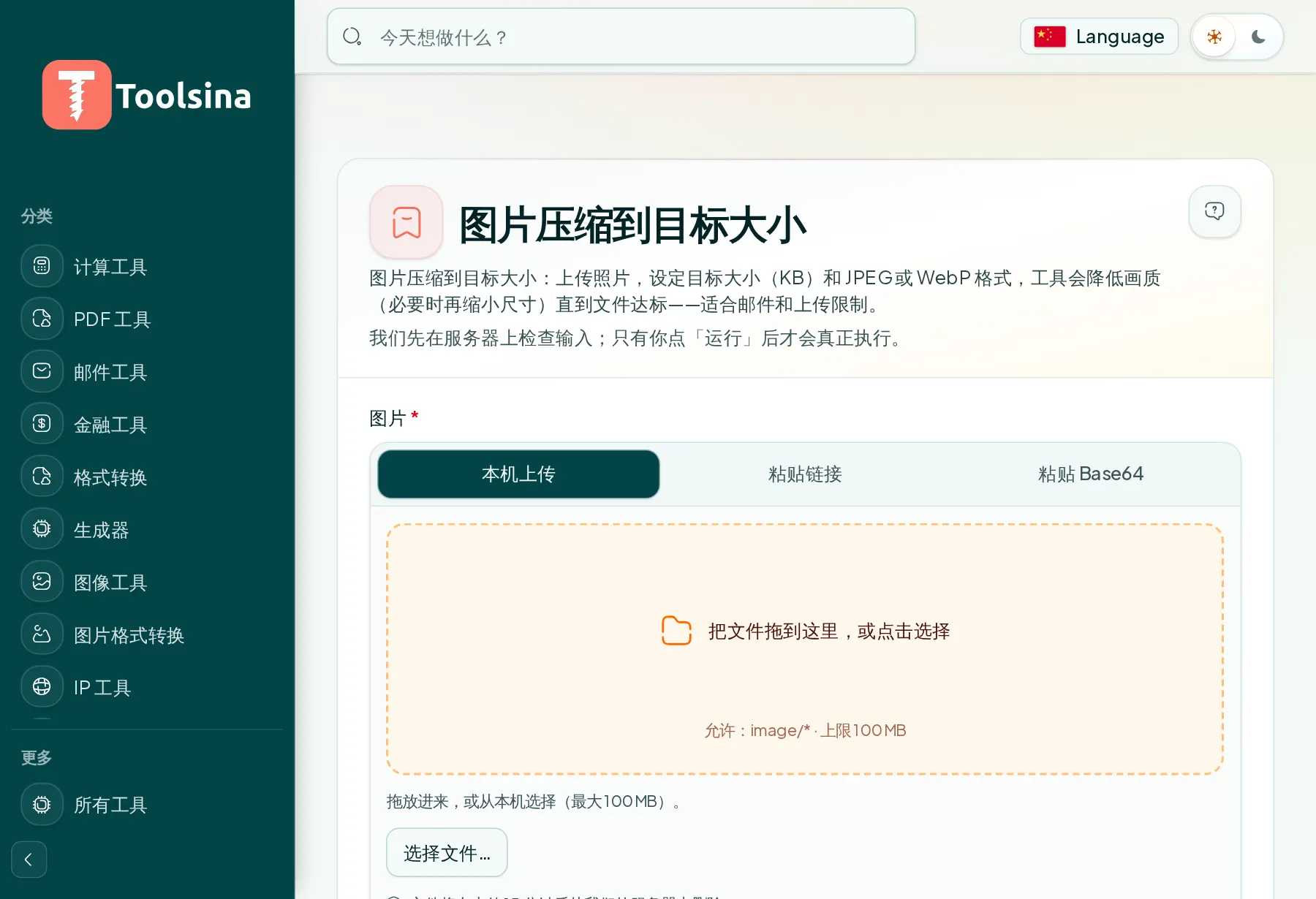
1Open the tool and upload your file
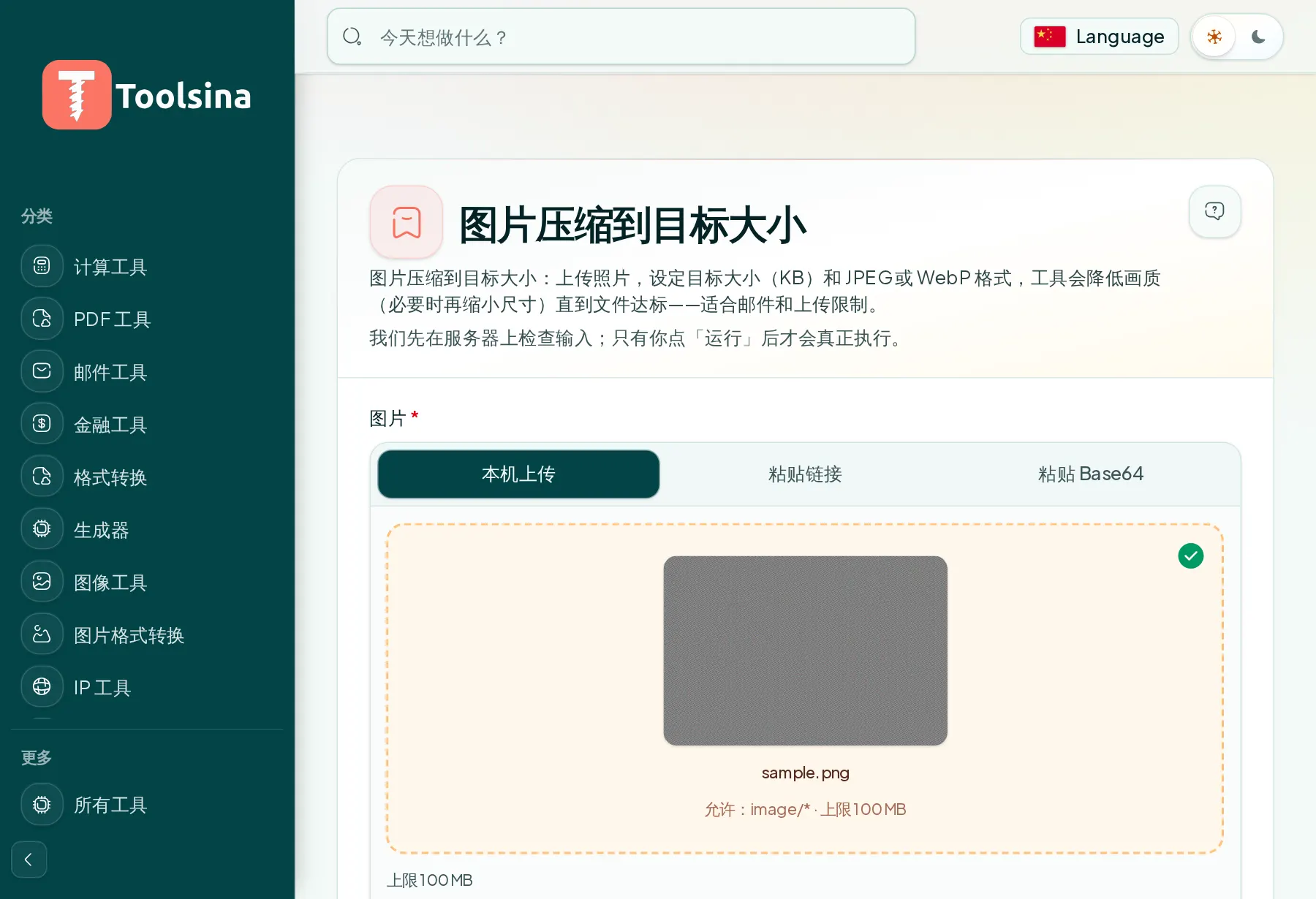
2Check your file and adjust the options
3Run it, then download your result