How to Convert JPG to PNG (Free, Online)
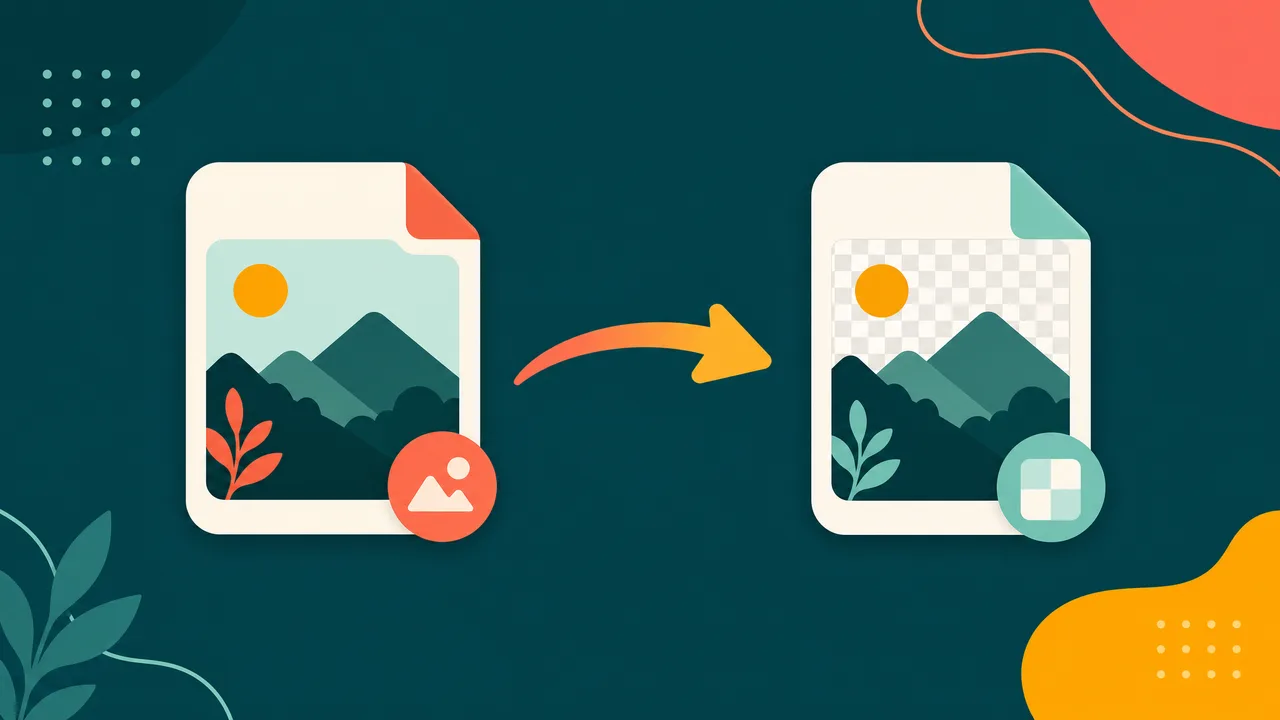
Need to turn a JPG image into a PNG file? Converting JPG to PNG is quick and keeps your workflow moving — whether you're saving space, improving compatibility, or preparing images for the web.
Convert JPG to PNG right now — free, in your browser, no signup.
Open the JPG → PNG toolWhy convert JPG to PNG?
- Compatibility: PNG opens cleanly across the apps and devices you use.
- File size: switching formats can shrink images for faster loading and easier sharing.
- The right tool for the job: each format has strengths — pick the one that fits where the image will be used.
How to convert JPG to PNG in 3 steps
- Open the tool. Go to the JPG to PNG converter.
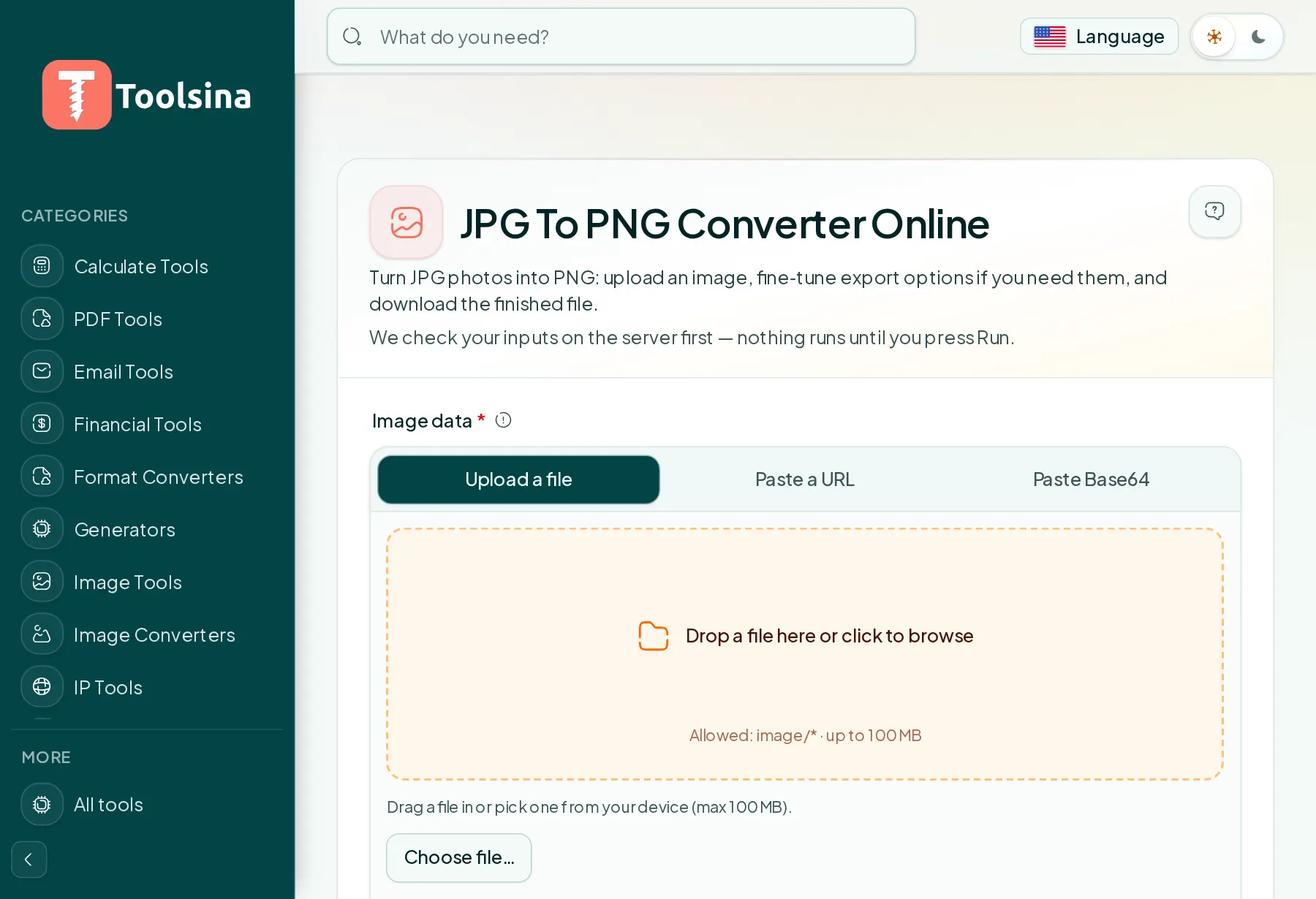
- Upload your JPG file. Drag and drop it or click to choose — everything runs on our server, nothing to install.
- Download your PNG. The converted image appears instantly; click download to save it.
Tips for the best results
- Start from the original file for the cleanest conversion.
- Need a smaller file? After converting, run it through our compress image to target size tool to hit an exact KB limit.
- Working with many formats? Toolsina has converters for JPG, PNG, WebP, GIF and more.
Frequently asked questions
Is converting JPG to PNG free?
Yes — the converter is completely free, with no account or watermark, and your file is used only for the conversion.
Will the quality change?
Toolsina uses high-quality conversion settings, so for most images the difference is not noticeable.
Ready to convert? It takes just a few seconds.
Convert JPG to PNG nowSee it in action, step by step
1Open the tool and upload your file
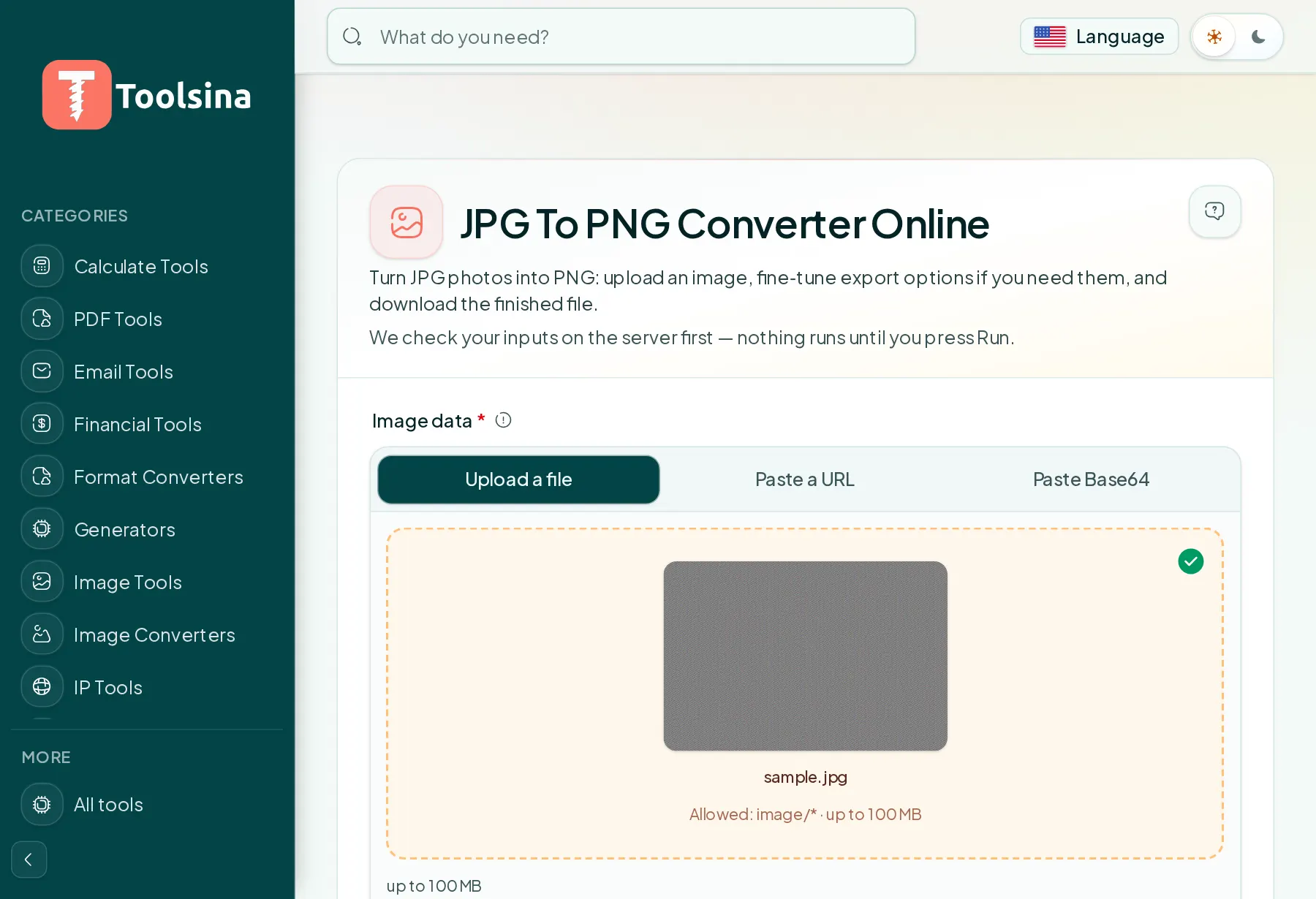
2Check your file and adjust the options
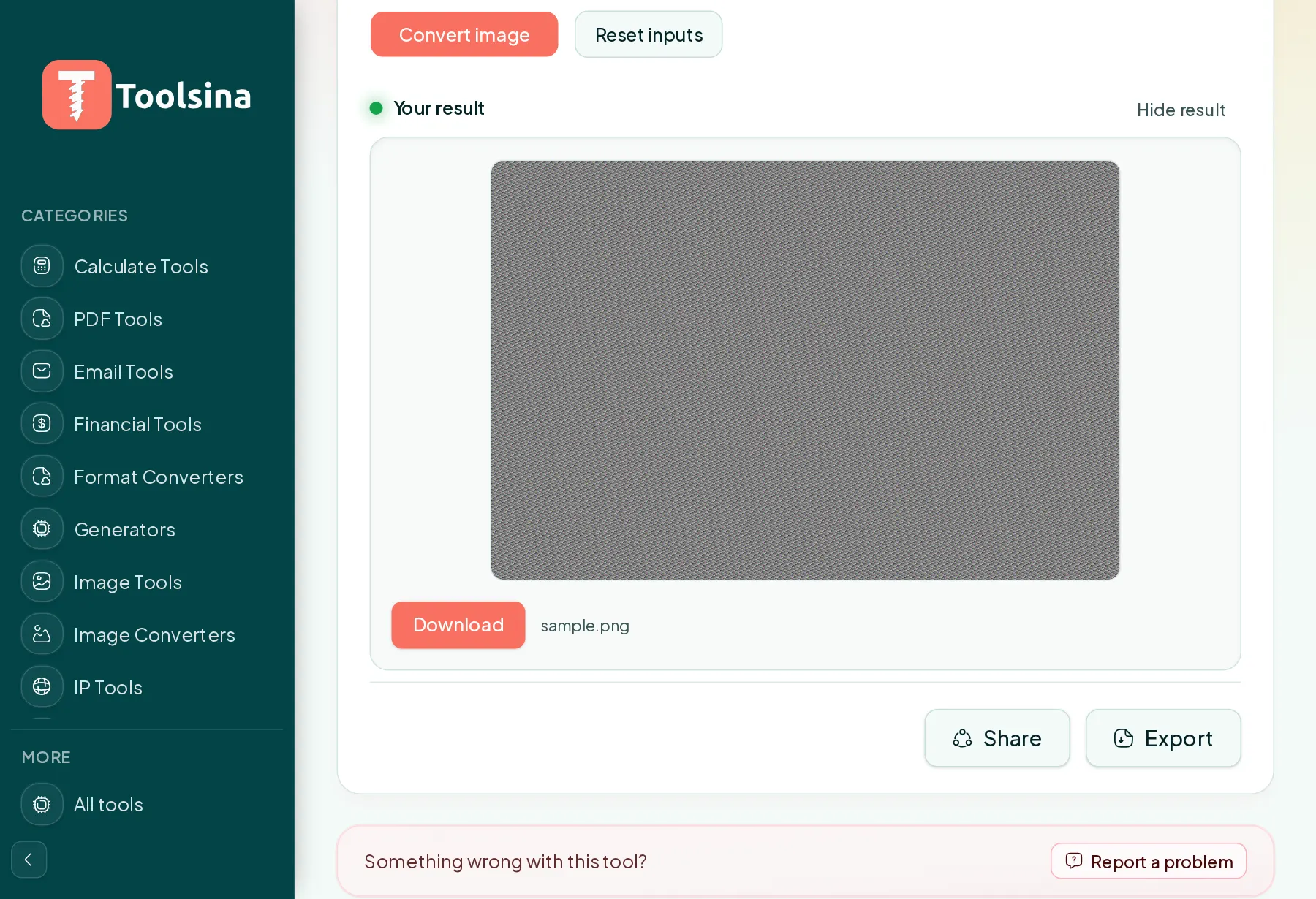
3Run it, then download your result