How to Convert a PDF to WebP (Free, Online)
Need a page of a PDF as a WebP image — for a slide, a preview, or a website? Converting a PDF page to WebP is the easiest way. You choose the page and the resolution, then download a ready-to-use image.
Turn a PDF page into a WebP image — free and online.
Open the PDF → WebP toolWhen to convert a PDF to WebP
- Share a single page as an image in chat, docs, or social posts.
- Make a thumbnail or preview of a document.
- Embed a page on a website where a PDF viewer would be overkill.
How to convert a PDF to WebP in 3 steps
- Open the tool. Go to the PDF to WebP converter.
- Upload your PDF and pick the page number and resolution (higher = sharper and larger).
- Download your WebP image.
Tips
- Increase the resolution for printing or zooming; keep it lower for web thumbnails.
- One page per run — change the page number to export another page.
- Want a smaller file? Run the image through compress to target size.
Frequently asked questions
Does it work with multi-page PDFs?
Yes — you choose which page to convert, and can run it again for each page you need.
Is my PDF kept private?
Your file is used only to render the page you requested and is not shared.
Get your PDF page as a WebP now.
Convert PDF to WebPSee it in action, step by step
1Open the tool and upload your file
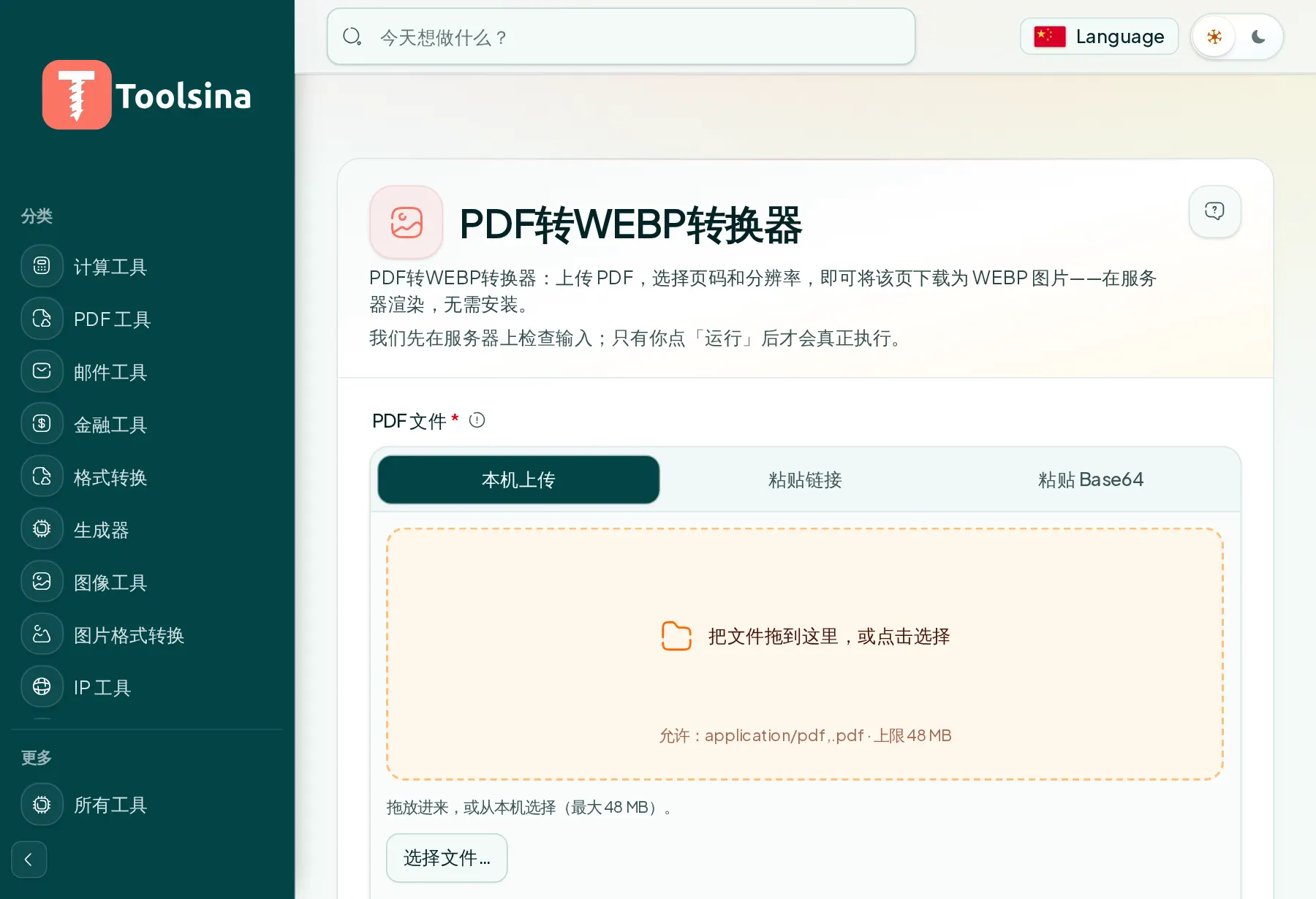
2Check your file and adjust the options
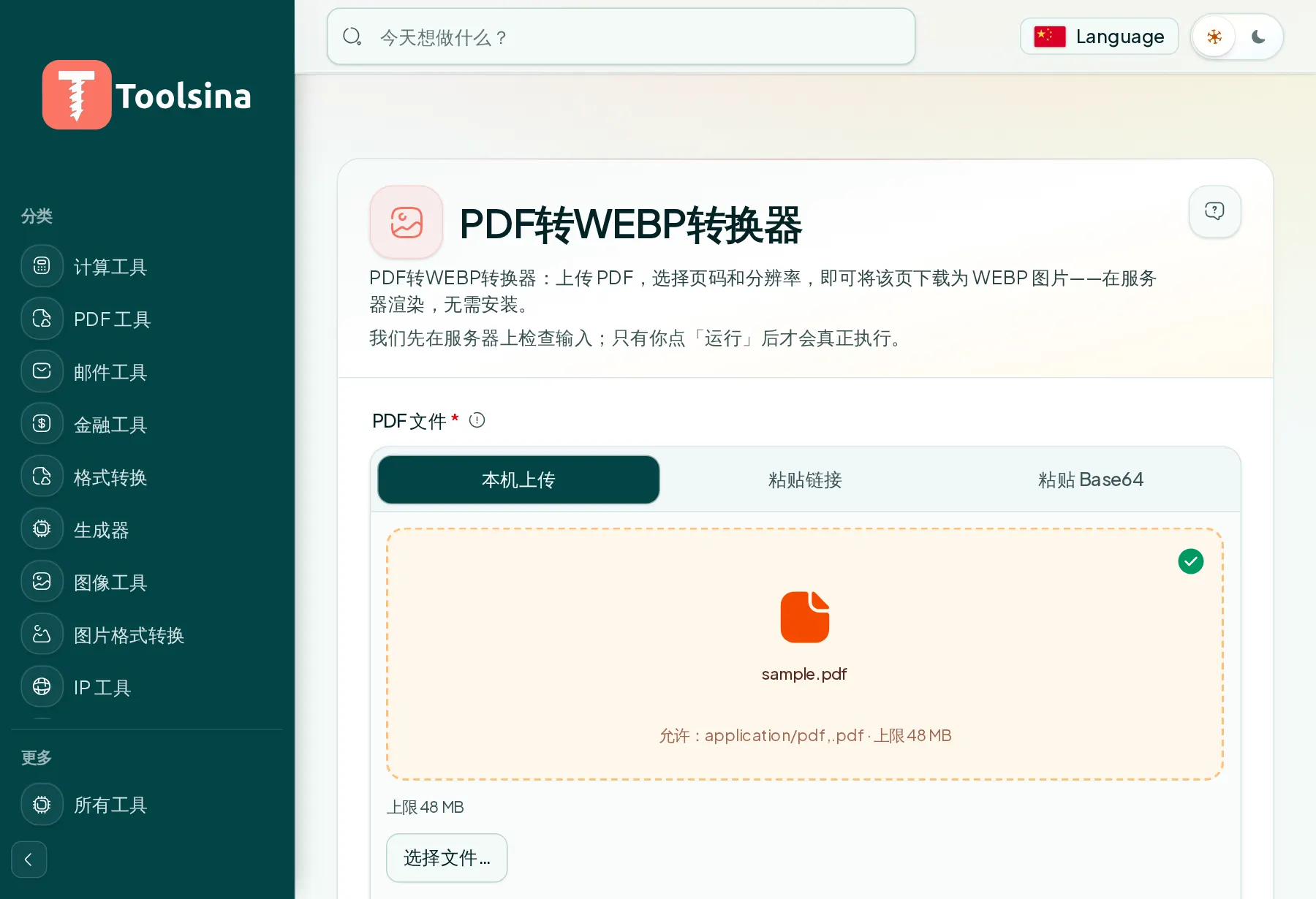
3Run it, then download your result